
Profile and reputation
Rating, review count, how many reviews got a reply, photos, whether the listing is claimed, and gaps such as missing hours or a missing phone number.
Rocket Driver gives agency partners a branded platform for managing sales opportunities, email, calendars, client work, and partner resources. Your agency presents the platform under its own brand.
Open each sales conversation with a branded Online Presence Report that shows a prospect where they stand online, from reviews and local search to mentions in sampled AI answers. Every partnership plan includes the full platform.
Talk through how your agency sells, manages its team, and supports clients. Compare Partnership Plans
New York based. Working with businesses and agency partners since 2011.Examples on this page are illustrative.
“We can help with your marketing” is easy to ignore. A branded Online Presence Report is not. It measures a local business across seven areas from live data, gives each one a score and a letter grade, rolls them into one Online Presence Score, and ranks the opportunities worth discussing.
Your logo and your named contact appear in every chapter, with call and email buttons throughout, and the report is built for phones as well as desktop. Deliver it as an interactive web report, a PDF, or a share link, and let the findings start the conversation.
Rating, review count, how many reviews got a reply, photos, whether the listing is claimed, and gaps such as missing hours or a missing phone number.
Where the business appears on the map for a real local search, whether it shows up in measured “near me” results, and which nearby competitors outrank it.
The search terms the business ranks for, how many reach the top 10, and a table of those terms with the pages that rank.
Phone speed, real visitor speed, a secure connection, a layout that adapts to phones, page size, and whether the homepage shows contact details.
Whether search engines and AI systems can reach the important pages, and whether business information is presented in a form machines can read.
How often the business appears in the AI answers tested, by platform, with competitor comparisons where measured.
Link strength, the number of linking websites, total inbound links, and any flagged links.
The report ranks the priorities and gives each one a plain language explanation and a next step. If a measurement cannot be completed, it says so instead of scoring it as a failure.
A separate agency view shows coverage, section detail, and the same ranked opportunities, so your rep knows what to lead with. Choose a Lean or a Full run; Full adds competitor discovery. Each run uses one prepaid report credit.
Talk through how your agency could use the report to start a client conversation.
Pipeline, inbox, calendars, tasks, prospecting, lead capture, drip email, and reports, built for how agencies sell, all under your brand.
Build a pipeline for each way you sell, each with its own stages. Move deals on a board, capture a lost reason when a deal is lost, and let Sales Managers reassign work between Reps.
Every company and person gets a full record with owner, source, tags, custom fields, linked tasks, and an activity timeline. Global search finds anything a user is allowed to see.
Connect one agency mailbox from Gmail, Outlook, or any standard provider. Keep replies, attachments, and drafts in one conversation. Email from a contact record and see the next task alongside the thread.
Each person connects their own Google or Microsoft calendar, and personal events stay private. A shared company calendar matches upcoming meetings to CRM contacts, ready to add a task or log the meeting.
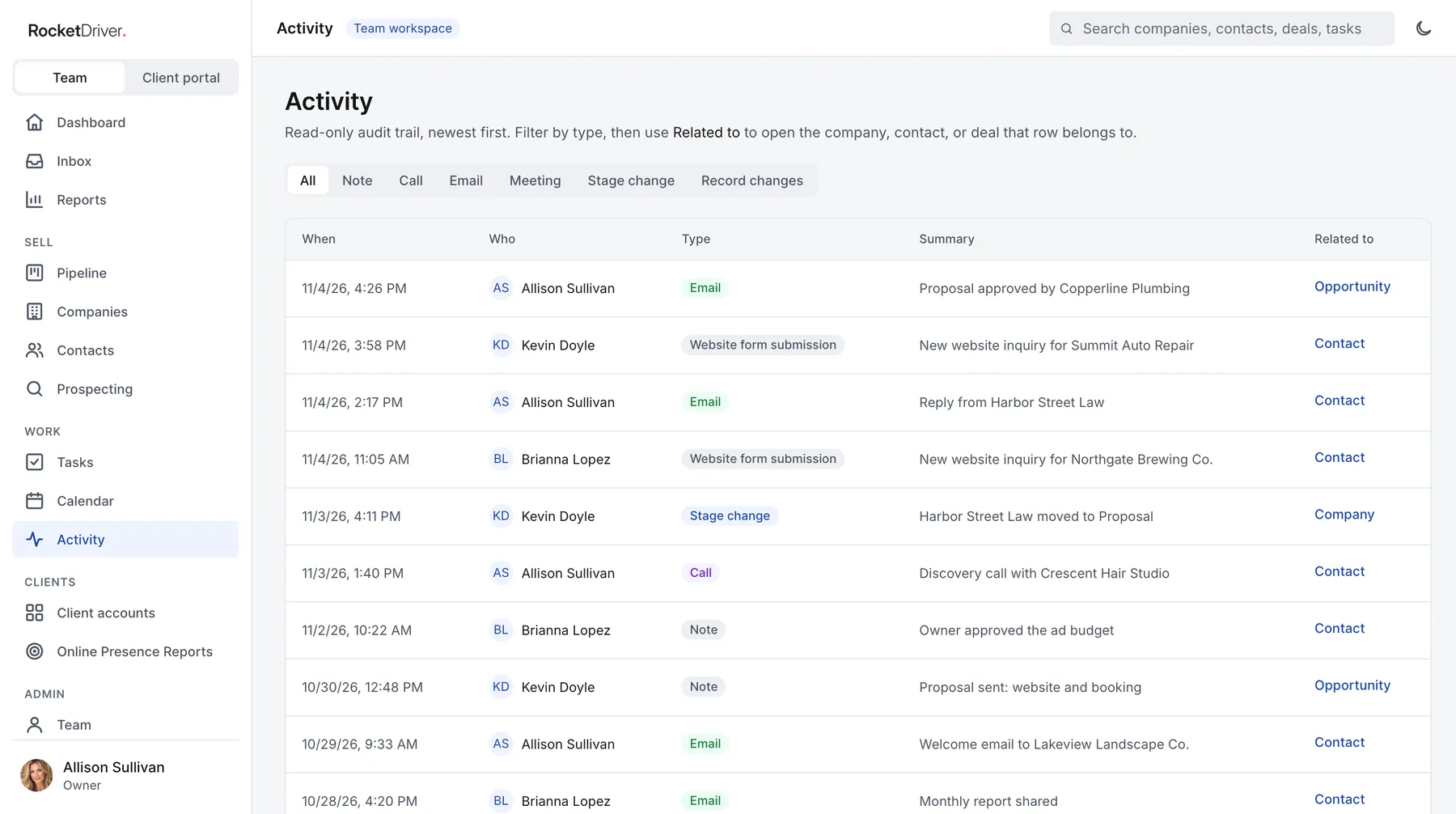
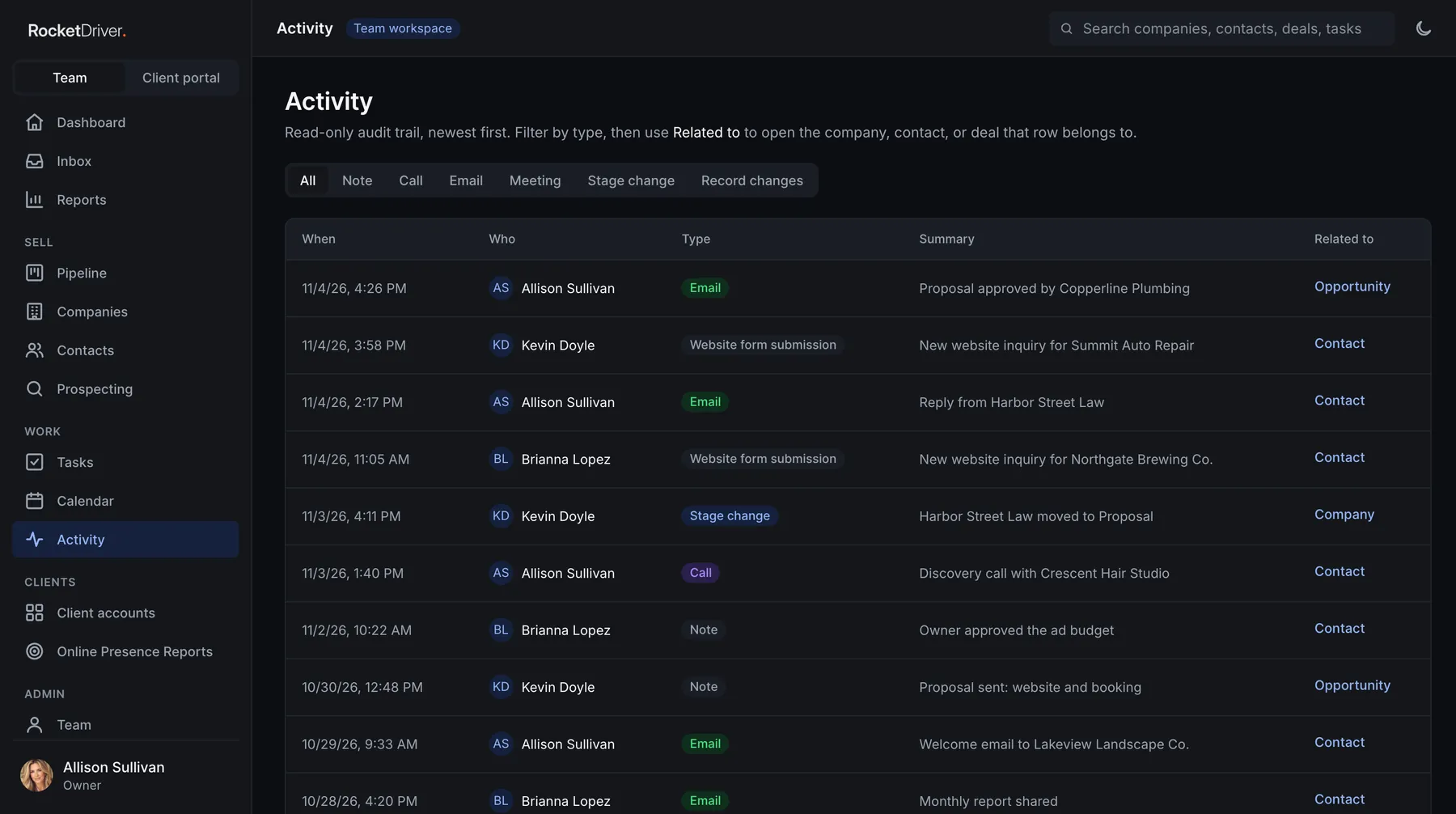
Assign tasks with due dates to the right company, contact, or deal. Log calls, emails, meetings, and notes on any record; saved activity cannot be edited or deleted, so the history stays trustworthy.
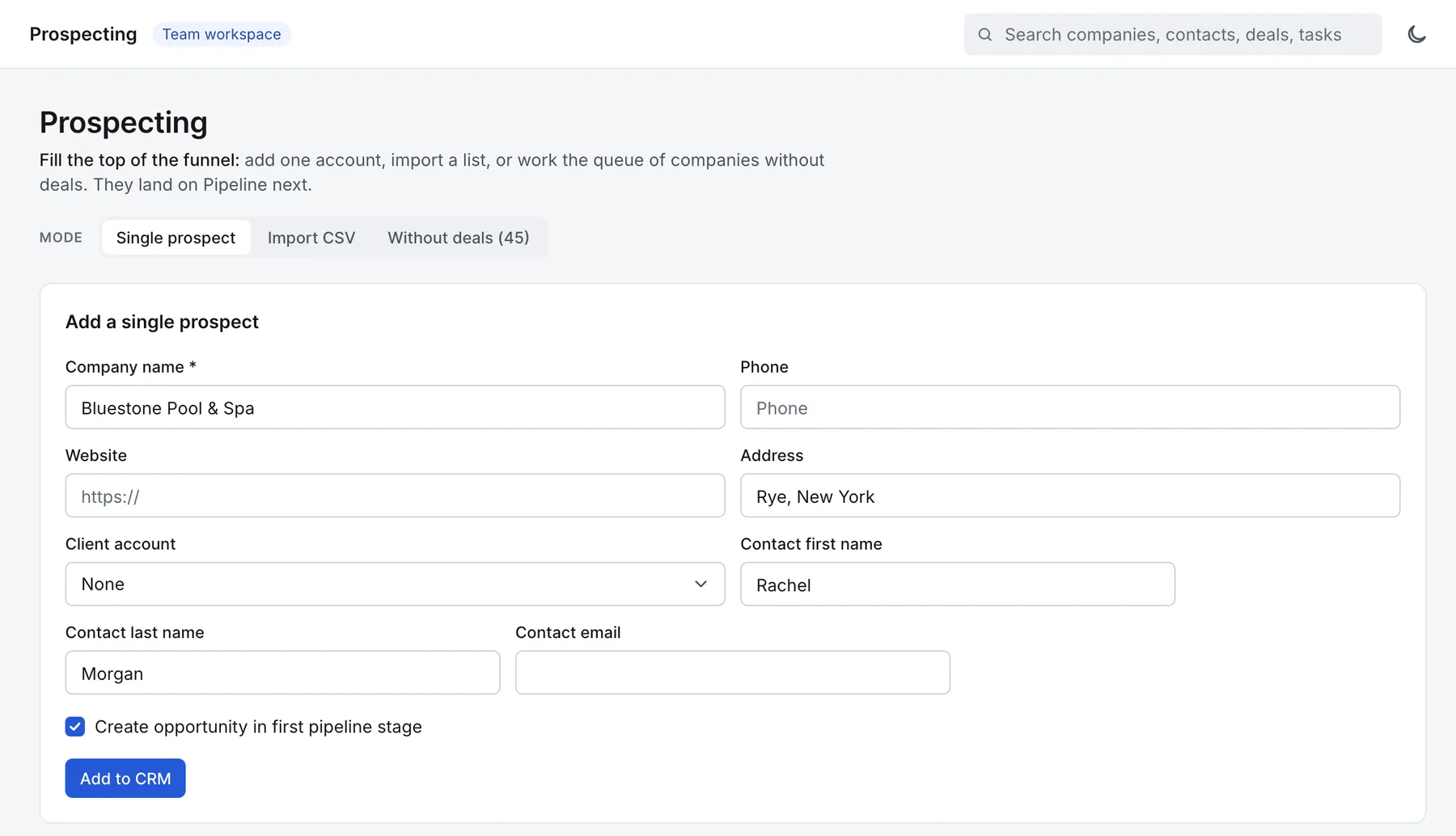
Add a company, its contact, and a first stage deal in one form, or import a prospect list from CSV. A Without deals view shows which companies still need an opportunity.
Embed lead capture forms on your agency’s or a client’s website; only approved websites can submit. New leads arrive with a source and an owner, and the lead workflow can route them to the right branch, notify the processor, create a follow up task, and send a confirmation email.
Send automated, multi step email sequences from a connected mailbox. Every message carries an unsubscribe link, and an unsubscribe stops the sequence and suppresses that address for good.
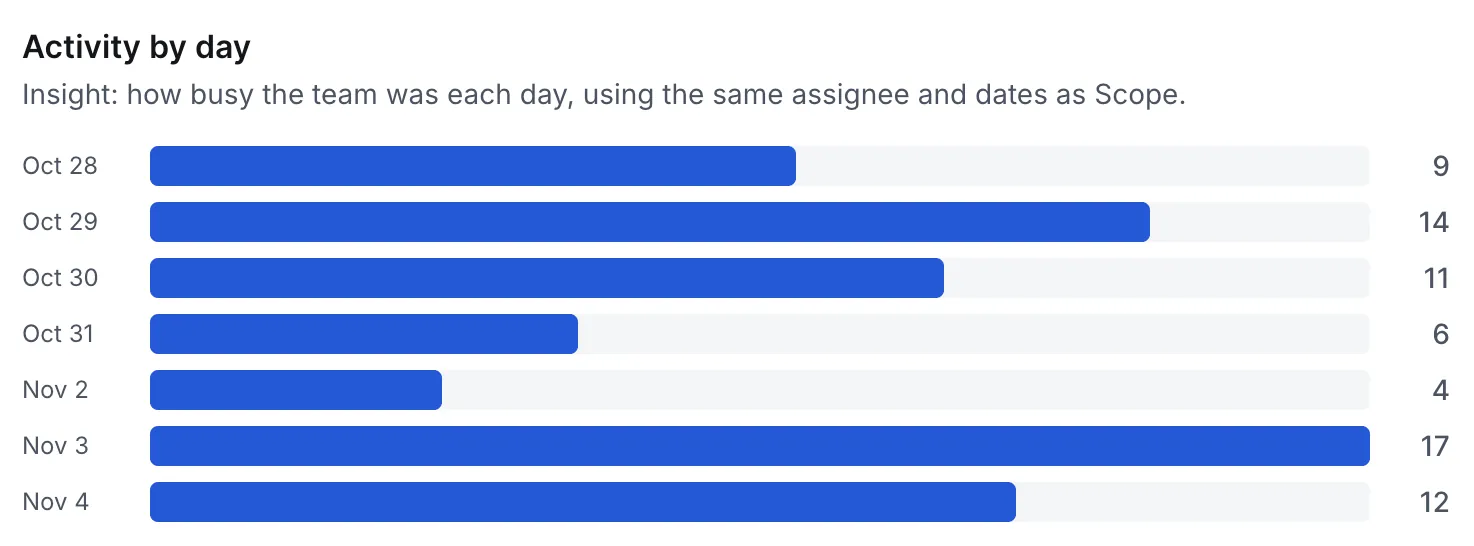
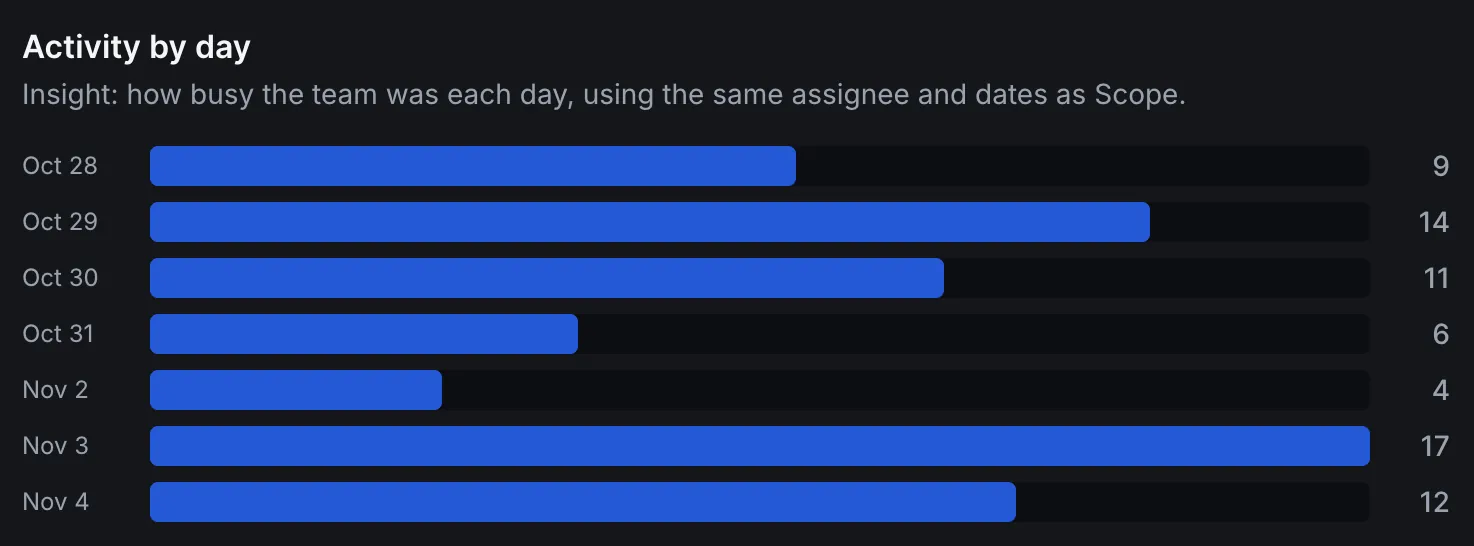
See pipeline by stage, recent activity, and tasks due at a glance. Reports cover the pipeline, win rate and lost reasons, and activity by type and by day, filtered by pipeline, assignee, and date, and Sales Managers can view each Rep’s numbers.
Partner agencies run their sales in this CRM, under their own brand. Here is the real dashboard, shown with sample data. Tap a number to see what each part is for.
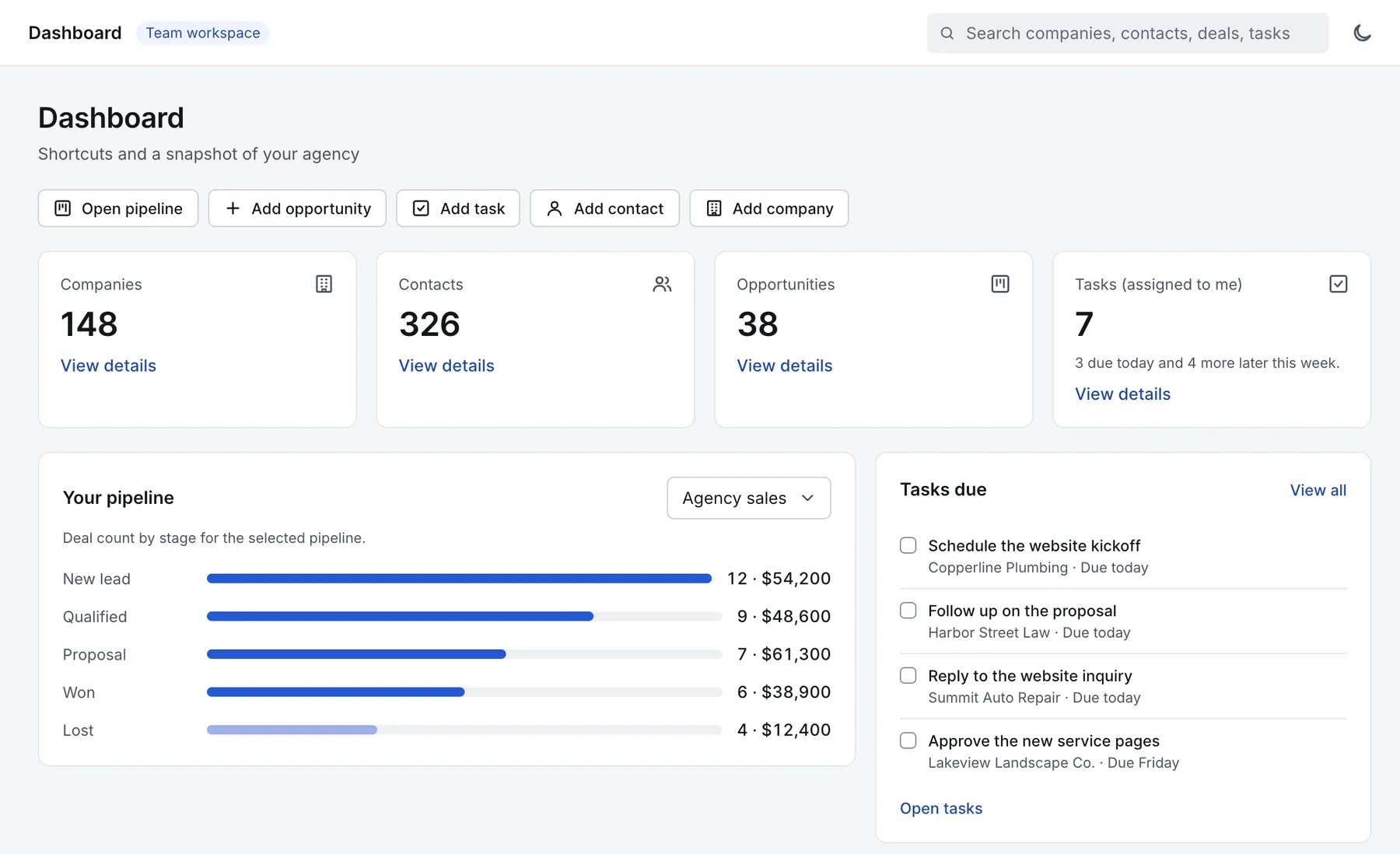
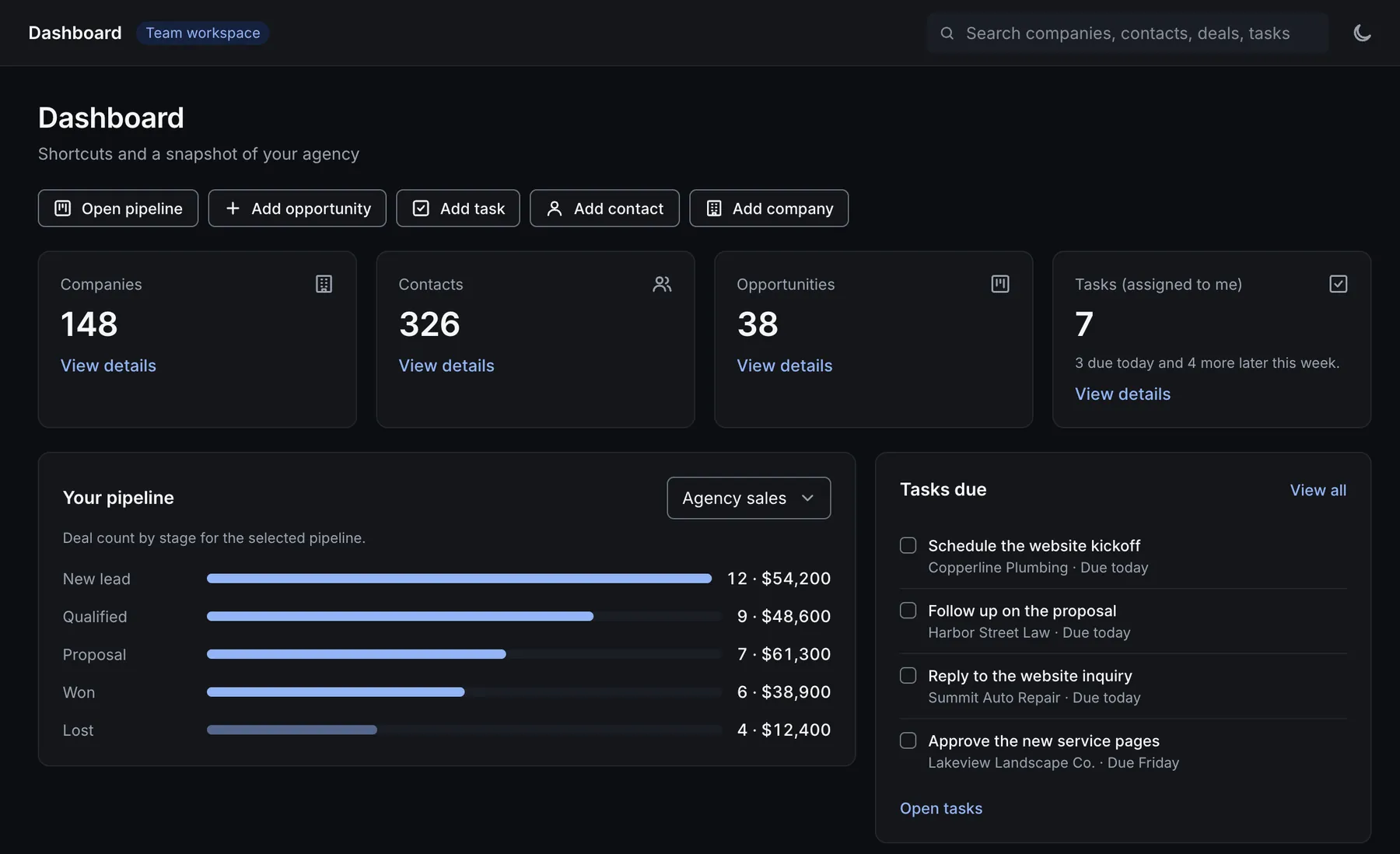
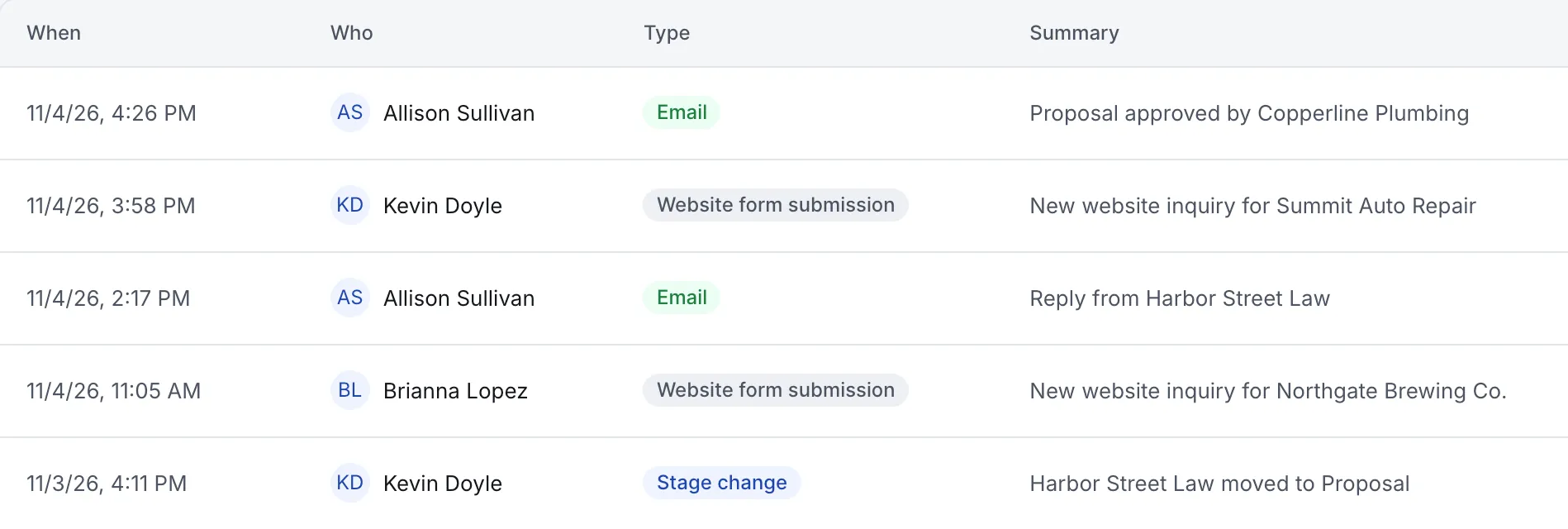
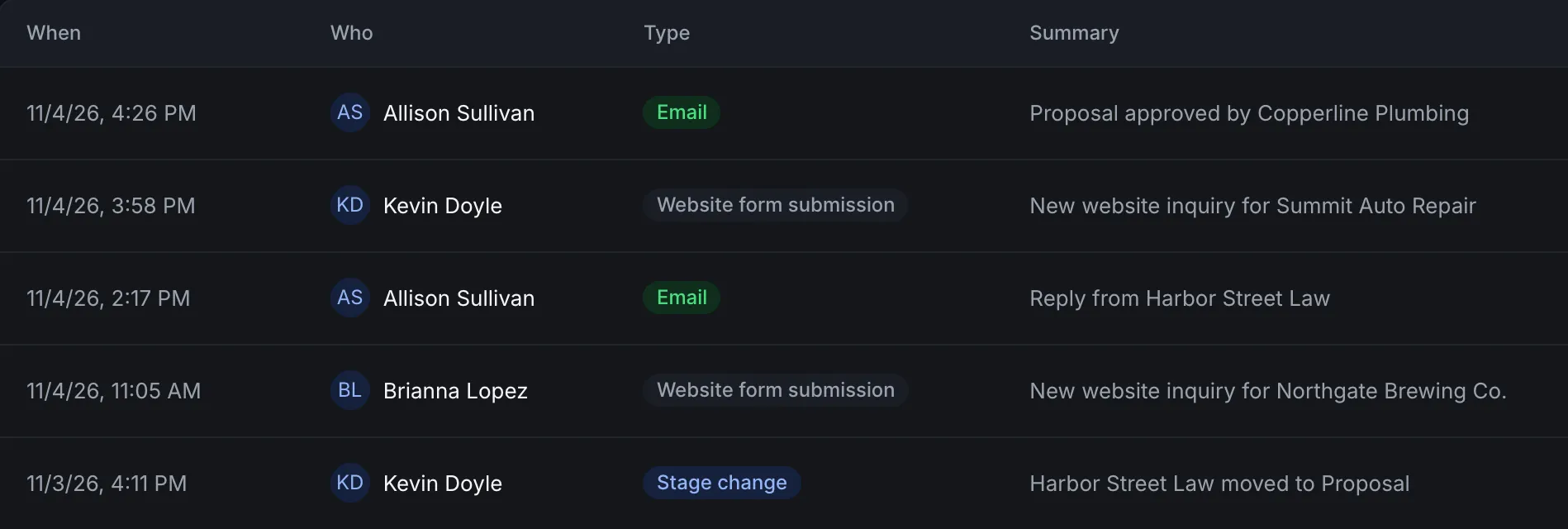
Deals by stage for the pipeline you pick, with the count and value at each stage.
What is due today and later this week, with the client each task belongs to.
Emails, form submissions, stage changes and calls, with who did each one.
See the agency setup and marketing support included in each plan.
Owners have full control. Sales Managers oversee the Reps on their teams, reassign work, run reports, and invite new Reps. Reps work the client accounts assigned to them, and nothing else appears.
Client data stays partitioned by client account. For agencies with several locations, the Branches module organizes records and leads by branch, with Processor and Branch Manager roles. When someone leaves, Offboard moves their open deals and tasks to the Owner, so nothing is dropped.
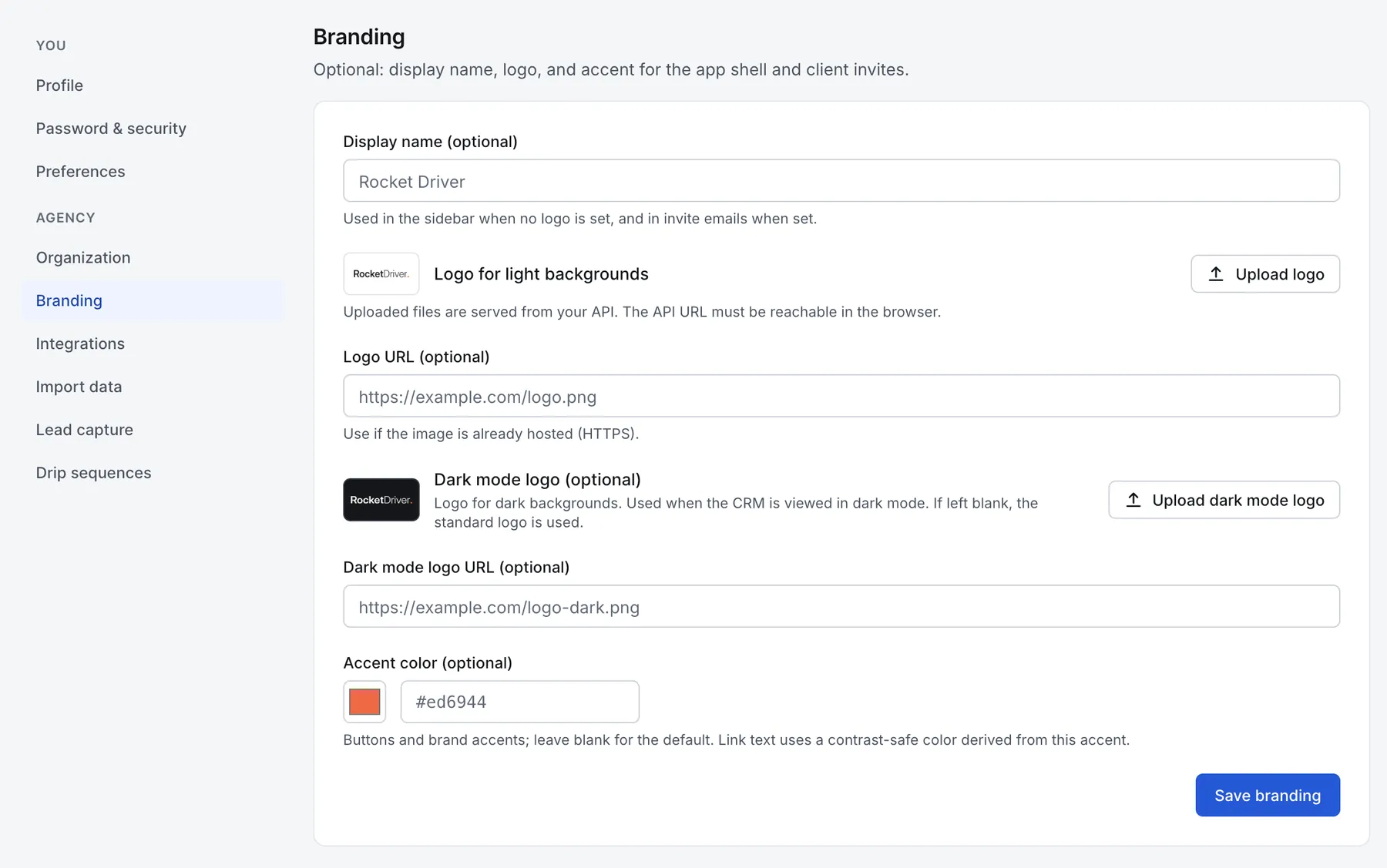
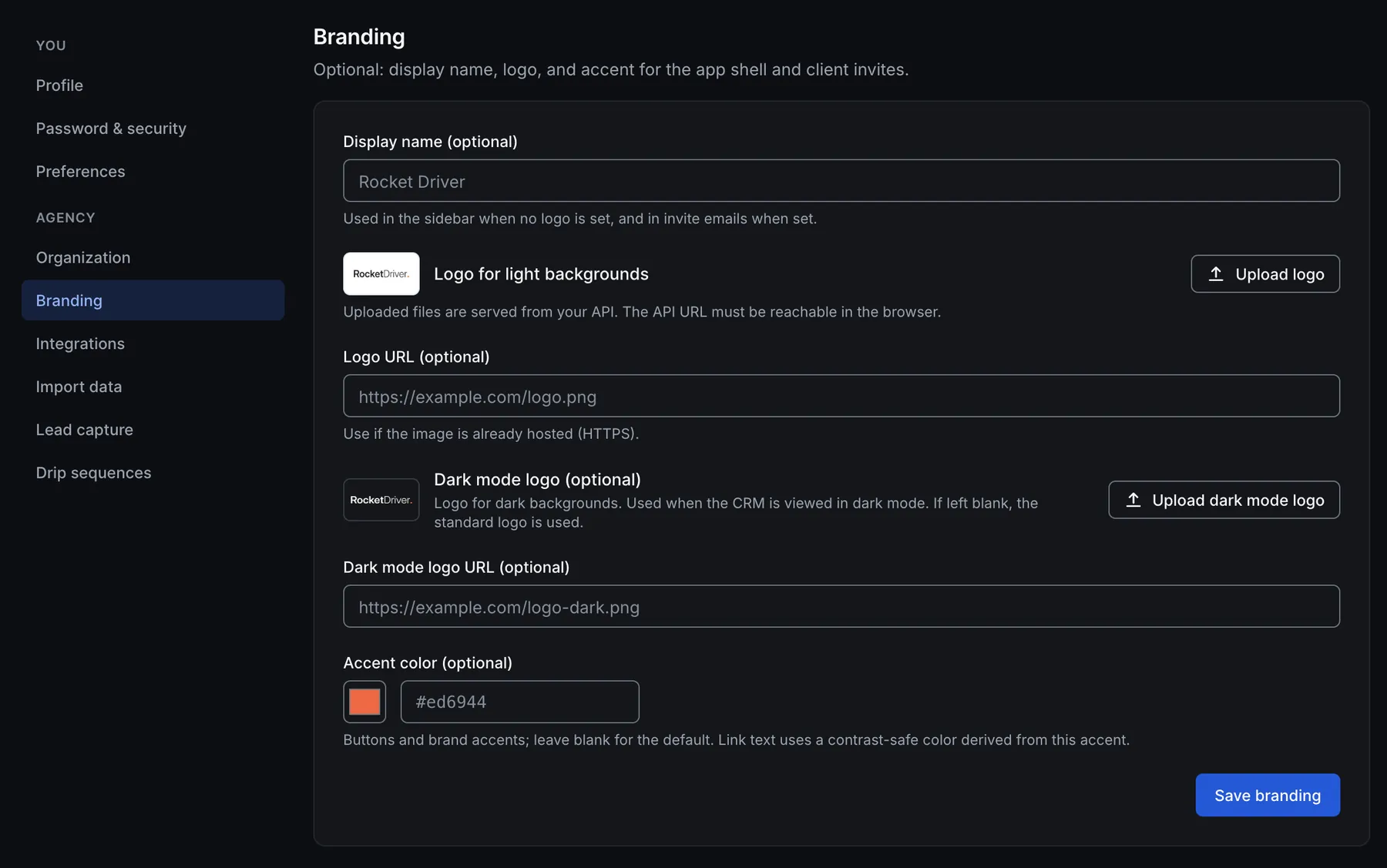
Add your logo for light and dark mode, your display name, and your accent color. Your branding carries into invitations and password emails, and clients and staff never see the platform vendor’s name.
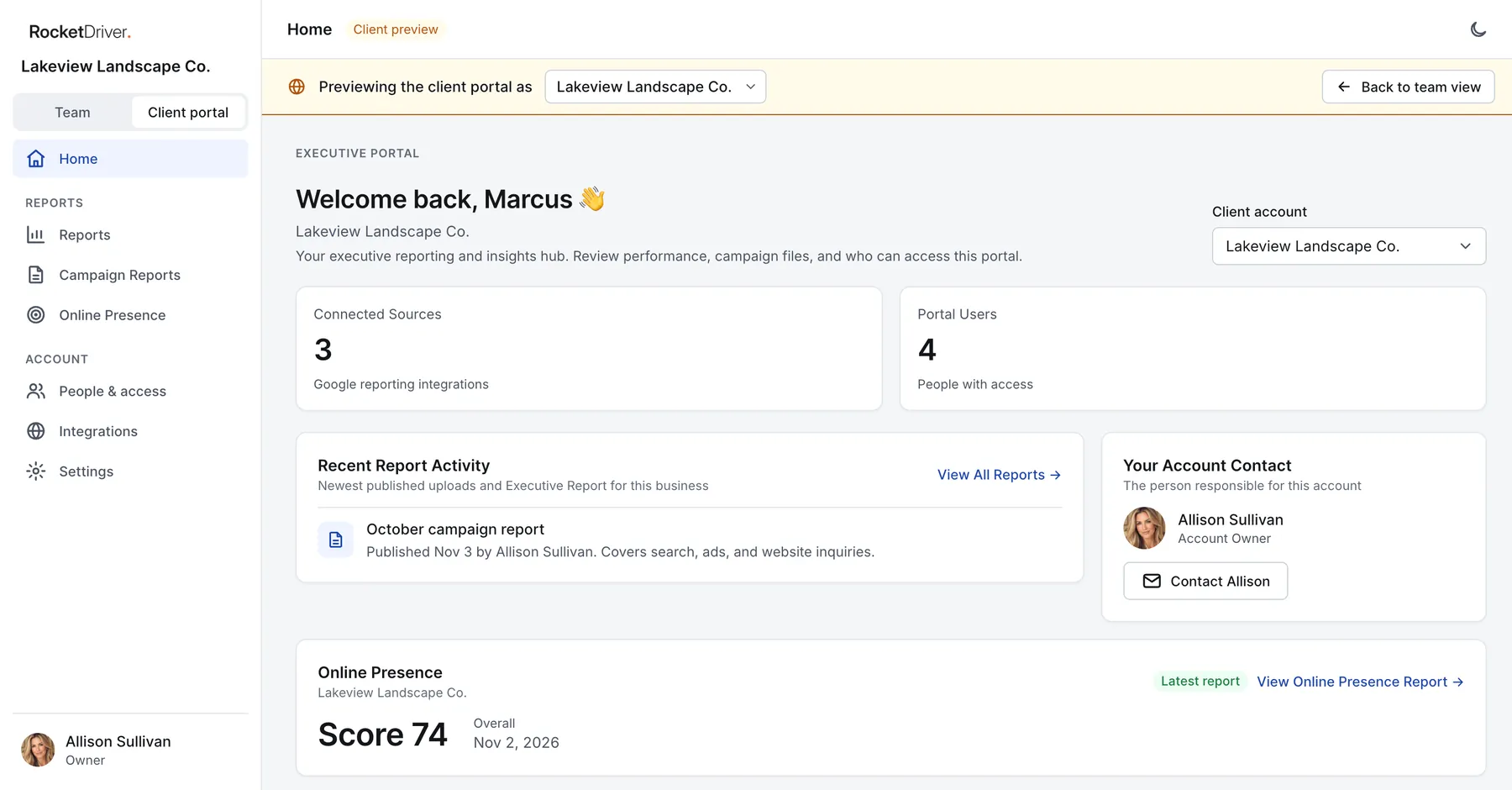
Clients sign in separately, under your logo and colors, and never see your internal CRM.
Client Admin manages access and can invite people. Client User has access only.
A personal welcome and the account name, quick stats on connected reporting sources and portal users, and cards for the latest report, recent report activity, people and access, and their Account Contact.
The photo, name, email, and phone of their contact at your agency, so they always know who to call.
PDFs and documents you publish for the client, such as monthly campaign reports. Clients see only published, current files.
Clients review and update their business name, website, and reporting timezone, check the connection status of their reporting sources, see who can use the portal, and manage their own profile.
See the portal exactly as any client account sees it, before the client does.
Behind the portal, your team stays in control. Client accounts group each client’s companies and people and decide which of your staff can see them; the Owner assigns Reps, and Sales Managers can be allowed to do the same.
Invite clients by email from the Manage Access panel, or copy a secure invite link if outbound email is not set up yet. Add existing users with a role, and upload and publish documents with a title.
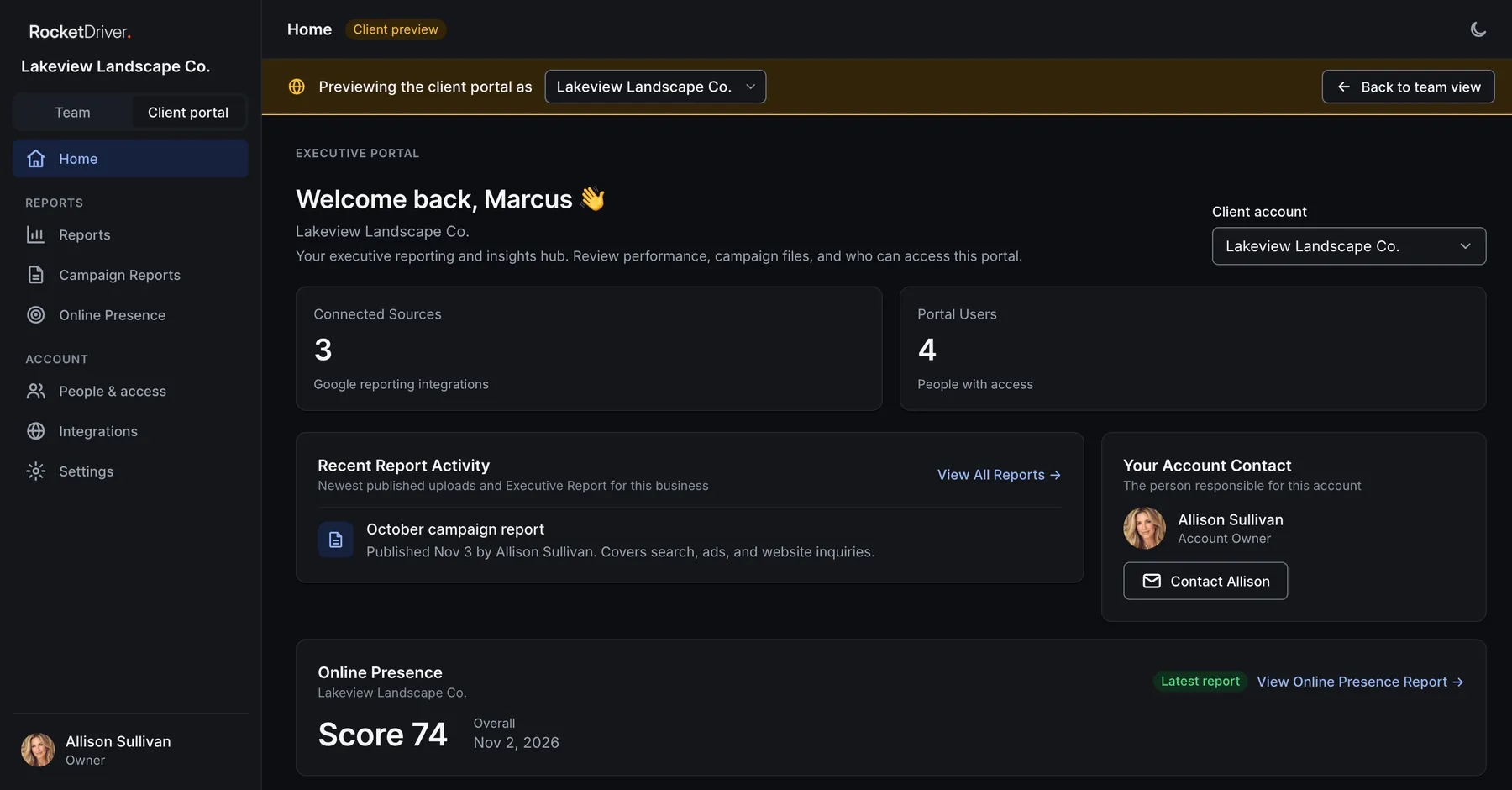
Every user signs in with an authenticator app, with recovery codes as a backup.
Each agency’s data is isolated from every other agency, and roles are enforced on the server, not just hidden on the screen.
Privileged actions are recorded in an audit log, and records keep a change history. Server monitoring sends an alert if the CRM goes down.
Passwords are stored as one way hashes and connection tokens are encrypted. Invitations expire after 14 days and password reset links after one hour.
A guided import loads companies, contacts, and opportunities with a template, column mapping that includes custom fields, and a dry run preview before anything is saved. Export companies, contacts, tasks, and reports to CSV whenever you need them.
Mail connects through Gmail, Outlook, or IMAP and SMTP; calendars through Google and Microsoft; client reporting through Google sources. An API lets outside systems create or update supported records. Webhooks send updates out, with delivery logs and retries. Record keys help prevent duplicate entries.
Partner resources, sales training, and the agency knowledge base live in the same platform, so preparation sits next to the opportunity. CRM Help answers how to questions inside the CRM, tailored to each person’s role; your team stays in charge of the sales work.
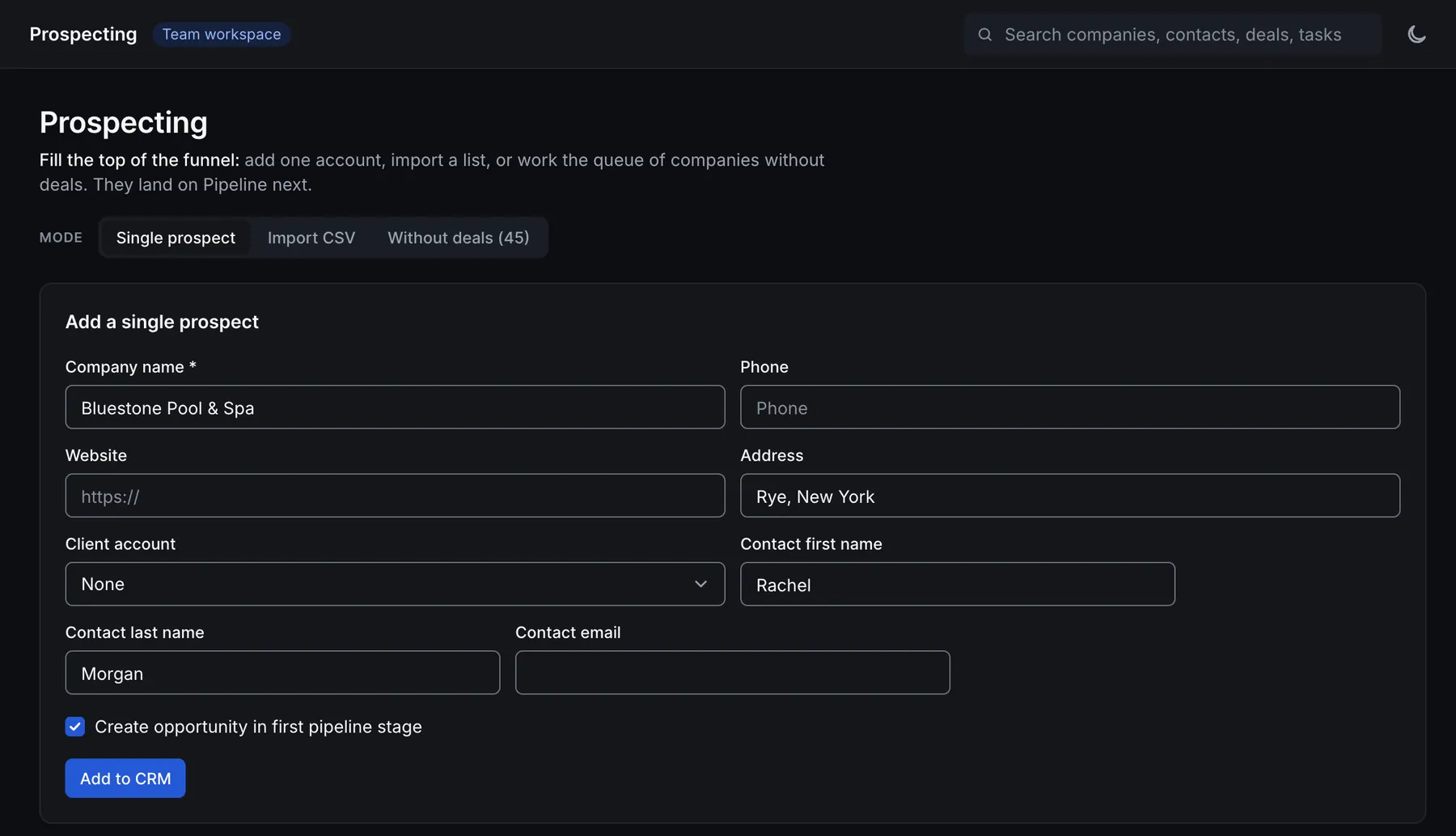
The platform runs in the browser on desktop and phone, with Dashboard, Pipeline, Companies, and Tasks in a bottom tab bar on mobile. Light and dark mode are built in, and each person controls their email notifications for assignments, due tasks, won deals, and new website leads.

Say a law firm’s report shows a slow intake page and weak local search. Your agency can propose the rebuild and the local SEO, and Rocket Driver delivers both under your brand.
The same goes for every service in the white label catalog, from custom software and AI assistants to paid advertising and social media. Client delivery is scoped separately from the platform.
“Rocket Driver is the ultimate agency toolkit.”
A report that makes the opportunity visible. A pipeline that keeps the next step in view. Email, tasks, resources, and client information in one branded platform.
Bring the way your agency works today. Let’s discuss what a more connected setup could make possible.
Compare the three plans side by side, then continue to checkout.